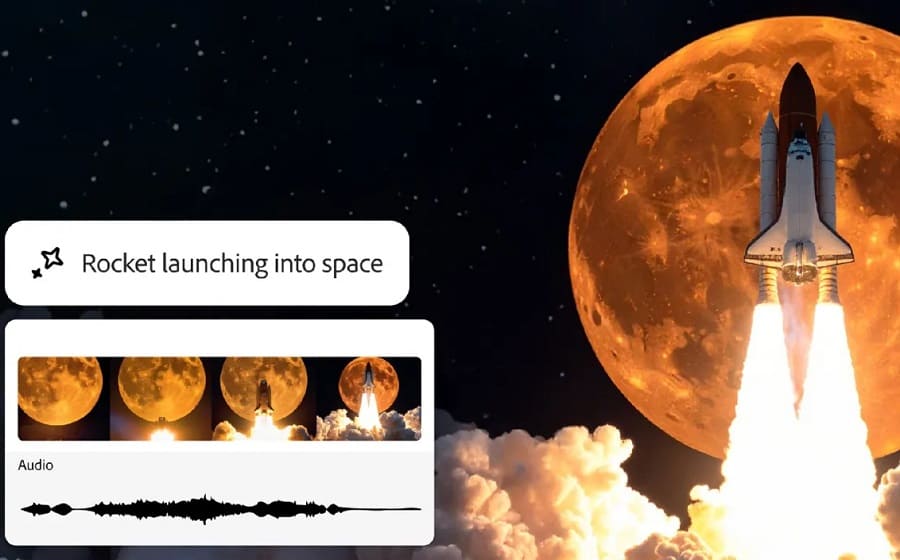
Adobe’s artificial‑intelligence model (Firefly) can now create sound effects using nothing more than a written description and a short reference clip.
As part of the rapid evolution of Firefly, Adobe’s latest update introduces text‑to‑sound‑effect generation. Users simply describe the desired sound and provide a brief sample; the AI then reproduces the effect with greater precision. This largely solves the common problem of AI‑generated videos arriving without audio.
In a demo, a user recreated a zipper‑opening sound, which the model inserted seamlessly into the video. While more intricate effects—like footsteps on concrete—still demand higher accuracy, the feature is aimed chiefly at speeding up ideation and prototyping.
Adobe has also added new tools to Firefly—Composition Reference, Video Presets, and Keyframe Cropping—allowing creators to define visual style and aspect ratio for output videos, delivering a more professional production workflow.
Finally, Google’s advanced Veo 3 model has joined the roster of models supported in Firefly. Capable of generating video complete with audio, Veo 3 gives users even broader creative possibilities.